
2026 Midsouth Regional Conference
Sep 26, 2026 - Sep 27, 2026
Sonesta Nashville Airport, 600 Marriott Drive, Nashville, TN 37214
The Midsouth region of the Society of Children’s Books Writers and Illustrators is excited to host our annual Fall Conference! Let’s Compose Community, Career, and Craft together in Nashville! Whether you’re just starting your creative journey or have extensive experience in the world of books, this conference provides opportunities to dig deep into your craft, get feedback on your work, learn from industry professionals and award-winning authors and illustrators, and spend the weekend connecting with friends, old and new!
Registration is now closed.
The schedule includes:
- TWO-DAY, full-schedule format
- Opening keynote by NYT Bestselling author Alan Gratz
- Choose from 24 craft and industry sessions
- Over 120 in-person critiques, pitches and Ask Me Anything sessions
- First pages open to everyone, published or not
- Author/illustrator panel
- Saturday buffet lunch, morning coffee and tea
- Four deep craft intensives
- Portfolio showcase & illustrator awards
- PB, Middle Grade & YA manuscript awards
- Happy Hour book signing & author/illustrator meet-and-greet
- Free pre-conference prep workshops
- Post-conference submissions with all acquiring faculty
- Free on-site parking
- Prize drawings, including free SCBWI membership





Please peruse the detailed information below before registering. There are many options and you’ll want to make your decisions before starting the registration process.
Important! Before you begin registration, please read:
- To get member pricing for the conference, make sure you’re logged into your SCBWI Member Home with the email address you used in purchasing your membership. If you don’t log into your SCBWI Member Home with the email address connected to your membership, you will be charged non-member pricing to attend the conference. If you do not know which email to use, login to your Member Home here, click on “My Profile,” then click on “Membership Details,” then click on “Edit My Profile” and scroll down until you see “Account Management” and the email address you have on file. OR, you can search your email inboxes for the most recent Midsouth communication (like the monthly newsletter) to confirm which email address SCBWI has on file for you.
- Registration is not optimized for mobile devices.
- Please have your selections written down and payment information ready before starting registration. If you browse away from the registration page, you may have to start over.
- Please note that the “Read More” links do not open in a new window. If you want to keep your registration page open AND open additional pages, we suggest having separate tabs open in your browser to toggle between for easier viewing.
- You will be asked to read and acknowledge SCBWI’s and the Midsouth’s policies, including our conference refund policy, before completing registration. You must be 18 or older to register for and attend the Midsouth Conference. To review the policies, click HERE.
- After entering your event registration information, you must select a ticket to see the conference options that go with that ticket.
- After registration is completed, members should double-check their choices by logging in to your SCBWI Member Home HERE and selecting “My Events” from the menu. While registration is still active, you can also log in to your SCBWI account, click on the Conference Event page and click on the green “Register for Event” button. The registration form will show you your selections and allow you to add more options if they are still available.
- Non-members will not have this option, so make notes as you register to remind yourself of your selections.
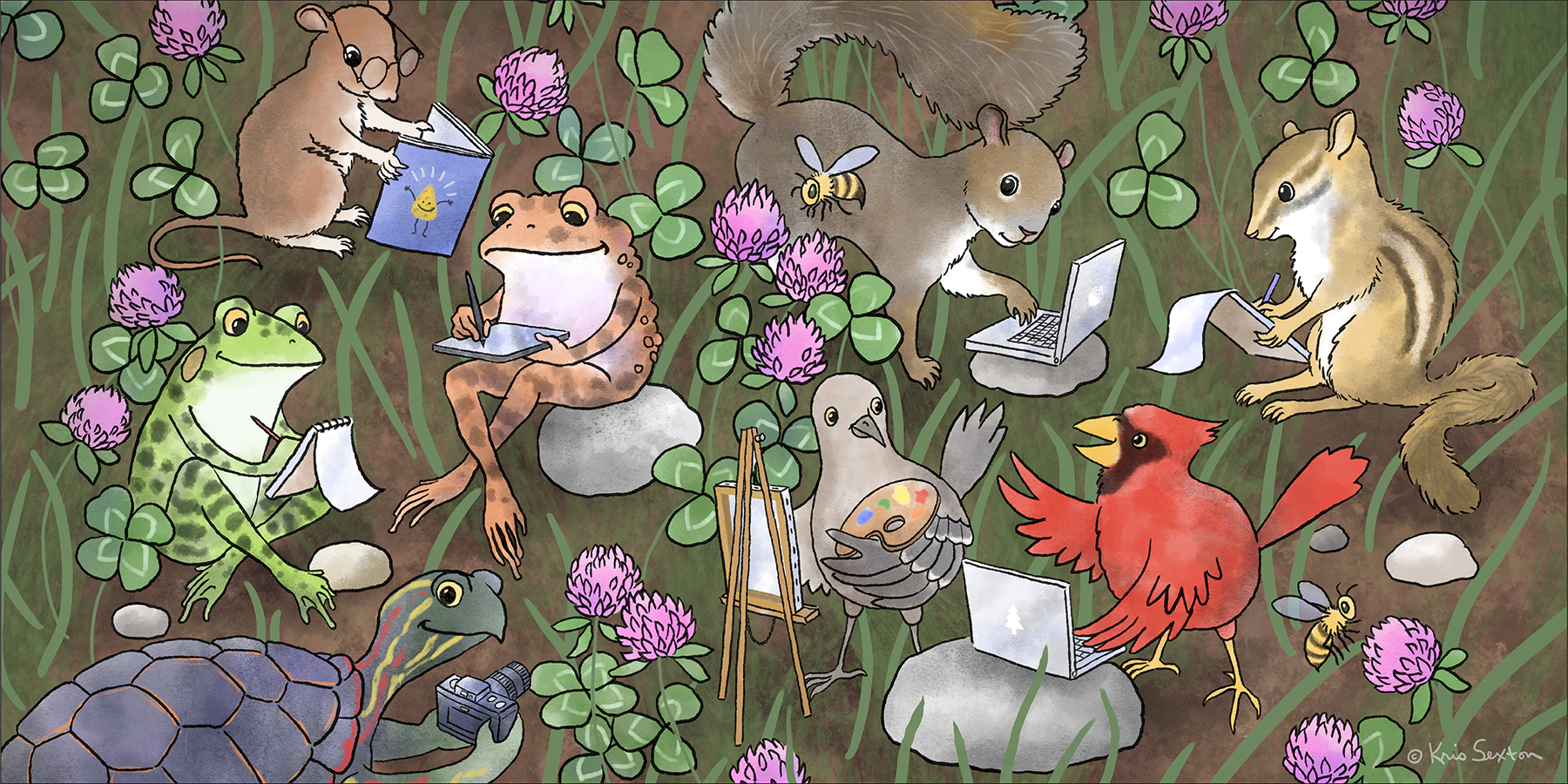
The Midsouth thanks its many volunteers including the conference committee and our brochure artist, Kris Sexton, who provided our event illustrations. And thank you, our attendees, for making our Midsouth Conferences the successes they have always been.